Independent open-source project
EasyEDA Pro MCPBring AI into your PCB workflow
Independent open-source MCP bridge for PCB enthusiasts and professionals using EasyEDA Pro.
Independent open-source MCP bridge for PCB enthusiasts and professionals using EasyEDA Pro.
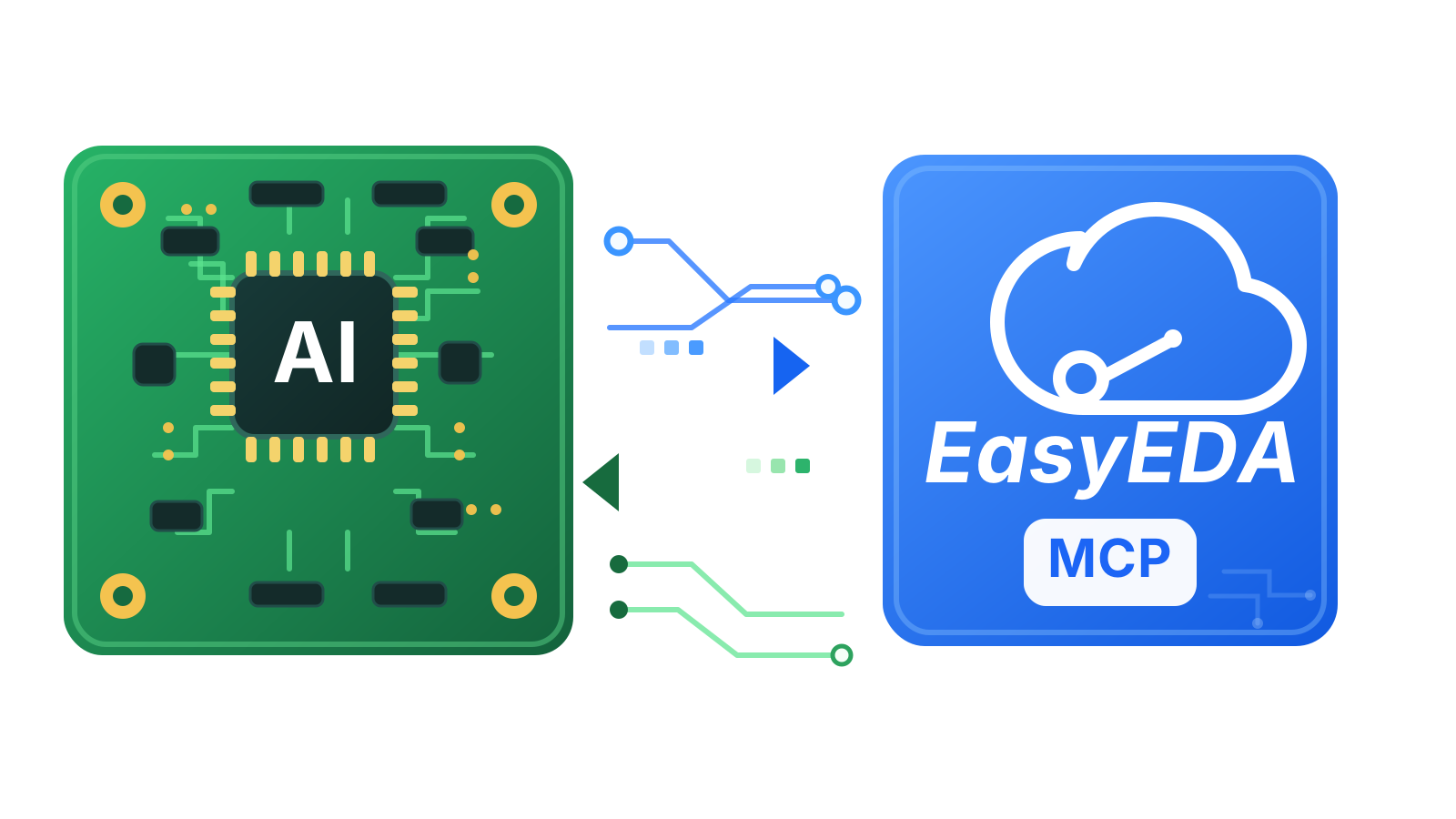
AI gets much more useful when it can inspect the actual schematic and board in front of you, not just guess from screenshots or copied text.
Read the active project, document, selection, components, nets, and editor state.
Trace nets, inspect pins, find parts, and validate schematic areas with structured data.
Runs through a local MCP server and EasyEDA Pro extension. No project export required.
Read-only workflows are easy. Editor-changing actions require explicit confirmation.
An EasyEDA Pro extension connects to a local MCP server over WebSocket. The extension reads the open project through EasyEDA's internal APIs and forwards structured data to any MCP-compatible AI client. Nothing leaves your machine.
Requires EasyEDA Pro 2.3.0 or later. The extension uses the eda.* API surface introduced in that release.
Released under the MIT License.
This project is not affiliated with, endorsed by, or sponsored by EasyEDA or JLCPCB (Shenzhen Jia Chuang Ban Technology Co., Ltd.). EasyEDA and EasyEDA Pro are trademarks of their respective owners.
Want to share feedback, send a suggestion, or talk about the project? Reach out at victor.freitas@vlabsoft.com.