Architecture
You do not need this page for setup. Use it when you want to understand how the bridge works.
One-Line Version
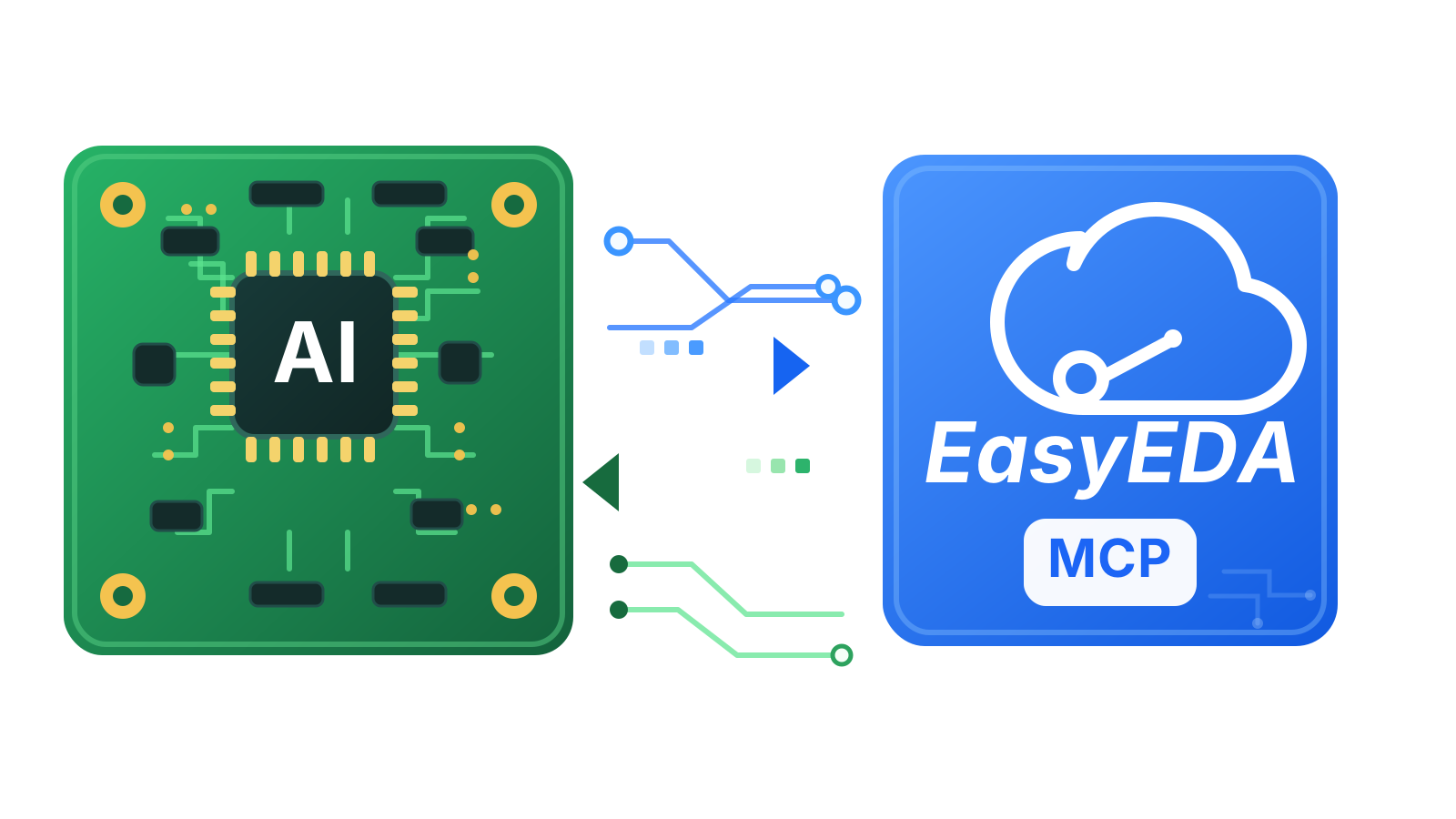
The MCP client talks to a local Node.js server. The server talks to an EasyEDA Pro extension over WebSocket. The extension reads the open EasyEDA Pro project through eda.* APIs.
mermaid
flowchart LR
    A["MCP Client"] --> B["MCP Server"]
    B --> C["Local WebSocket Bridge"]
    C --> D["EasyEDA Pro Extension"]
    D --> E["EasyEDA Pro APIs"]
Main Parts
MCP Server
Entrypoint:
text
src/index.tsResponsibilities:
- expose MCP tools over
stdio - validate tool inputs
- start the local WebSocket bridge
- return structured tool results
WebSocket Bridge
File:
text
src/bridge/EasyEdaBridge.tsDefault endpoint:
text
ws://127.0.0.1:8765Responsibilities:
- wait for the EasyEDA Pro extension
- track connection status
- send method calls to the extension
- enforce timeouts
- report compatibility problems
Tool Layer
File:
text
src/mcp/registerTools.tsResponsibilities:
- define MCP tool names
- define schemas
- route read-only calls
- gate mutating calls behind confirmation
EasyEDA Pro Extension
Main file:
text
extension/src/index.tsResponsibilities:
- connect to the local WebSocket bridge
- receive bridge calls
- call EasyEDA Pro
eda.*APIs - return editor data to the MCP server
Schematic Analysis
File:
text
src/schematic/analysis.tsResponsibilities:
- normalize components, pins, wires, labels, and nets
- trace nets and components
- find unconnected pins
- validate schematic areas
- verify connection assertions
Request Flow
When an AI client calls a tool:
- MCP client calls the local server
- server validates the tool input
- server sends a bridge method over WebSocket
- EasyEDA Pro extension receives the method
- extension calls EasyEDA Pro APIs
- result returns to the server
- server returns the result to the MCP client
Why It Works This Way
This architecture keeps the system local and live:
- no project export is required for normal inspection
- the AI sees the project that is actually open
- EasyEDA-specific API calls stay inside the extension
- MCP clients get a stable tool interface
Current Limits
- EasyEDA Pro must be running
- the extension must stay connected
- MCP clients may need a restart after new tools are added
- offline
.eproparsing is not part of this version